

Automation and Industry 4.0 Integration for Tool and Mould Maker
Automation and digitalization for Industry 4.0
The complete Industry 4.0 solution
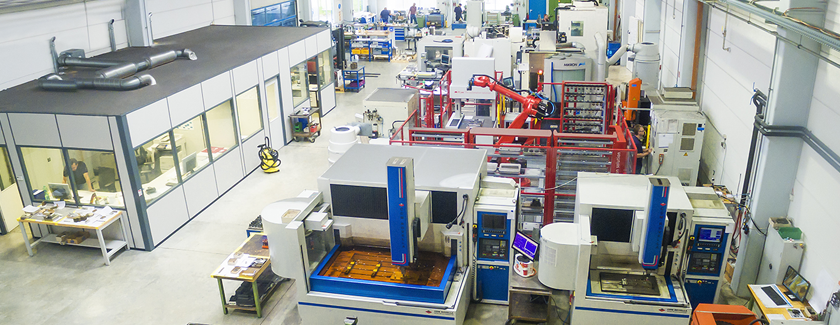
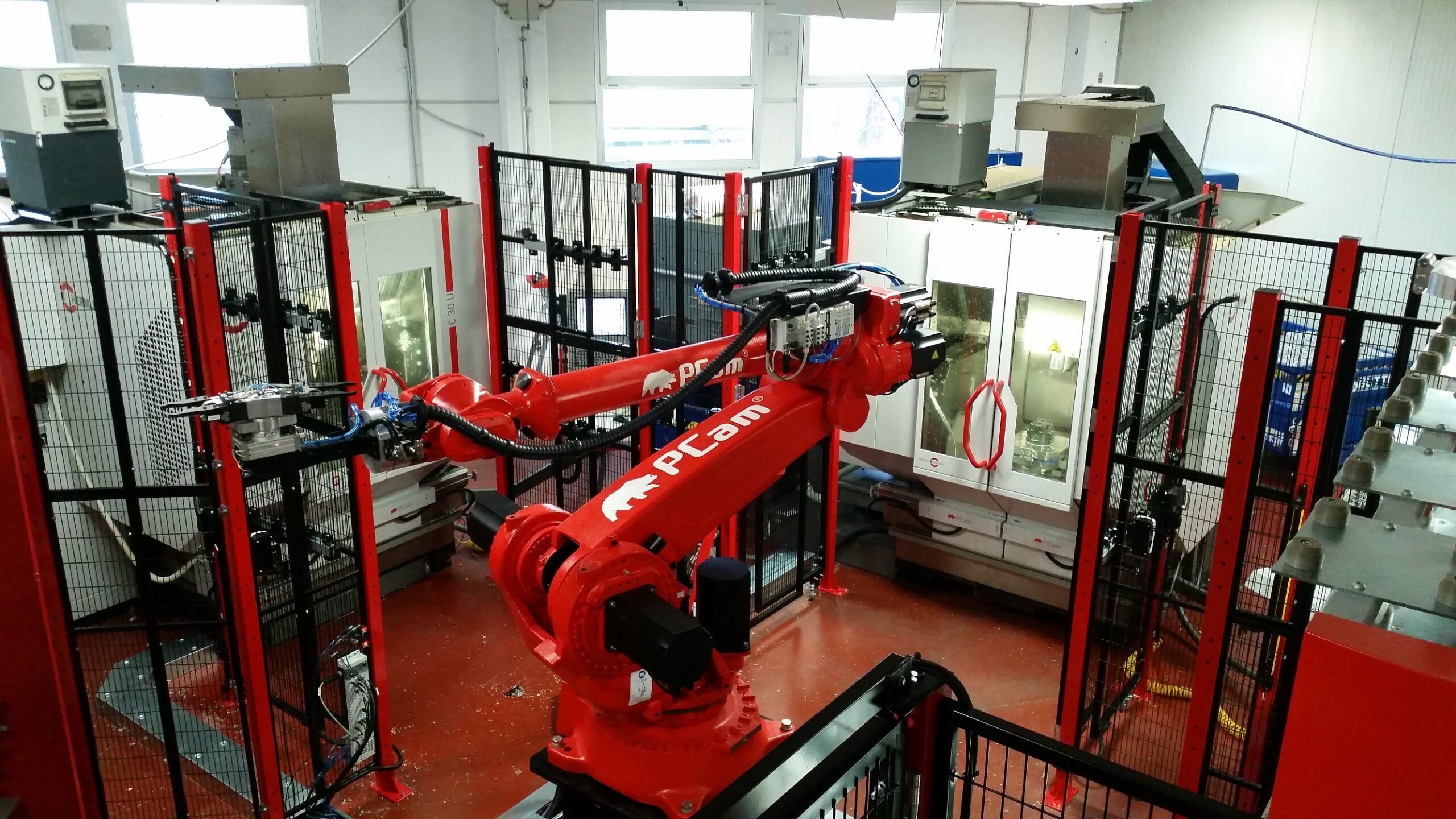
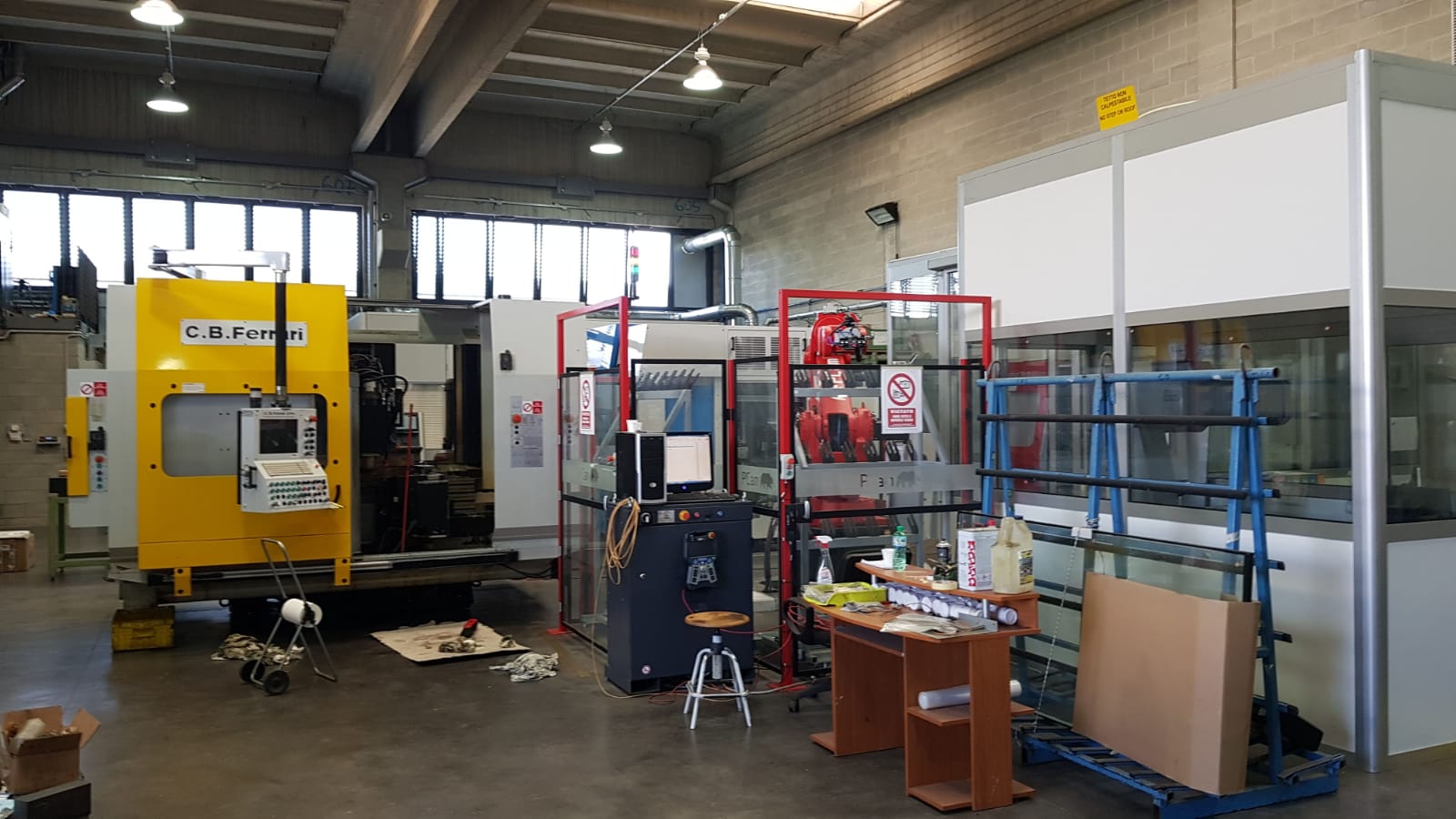
PCam offers innovative Industry 4.0 solutions in process automation and integration, specifically developed for tool and mould making. We specialize in advanced software, state-of-the-art control systems, state-of-the-art robots and comprehensive remote monitoring for machine tools.
Our product portfolio includes:
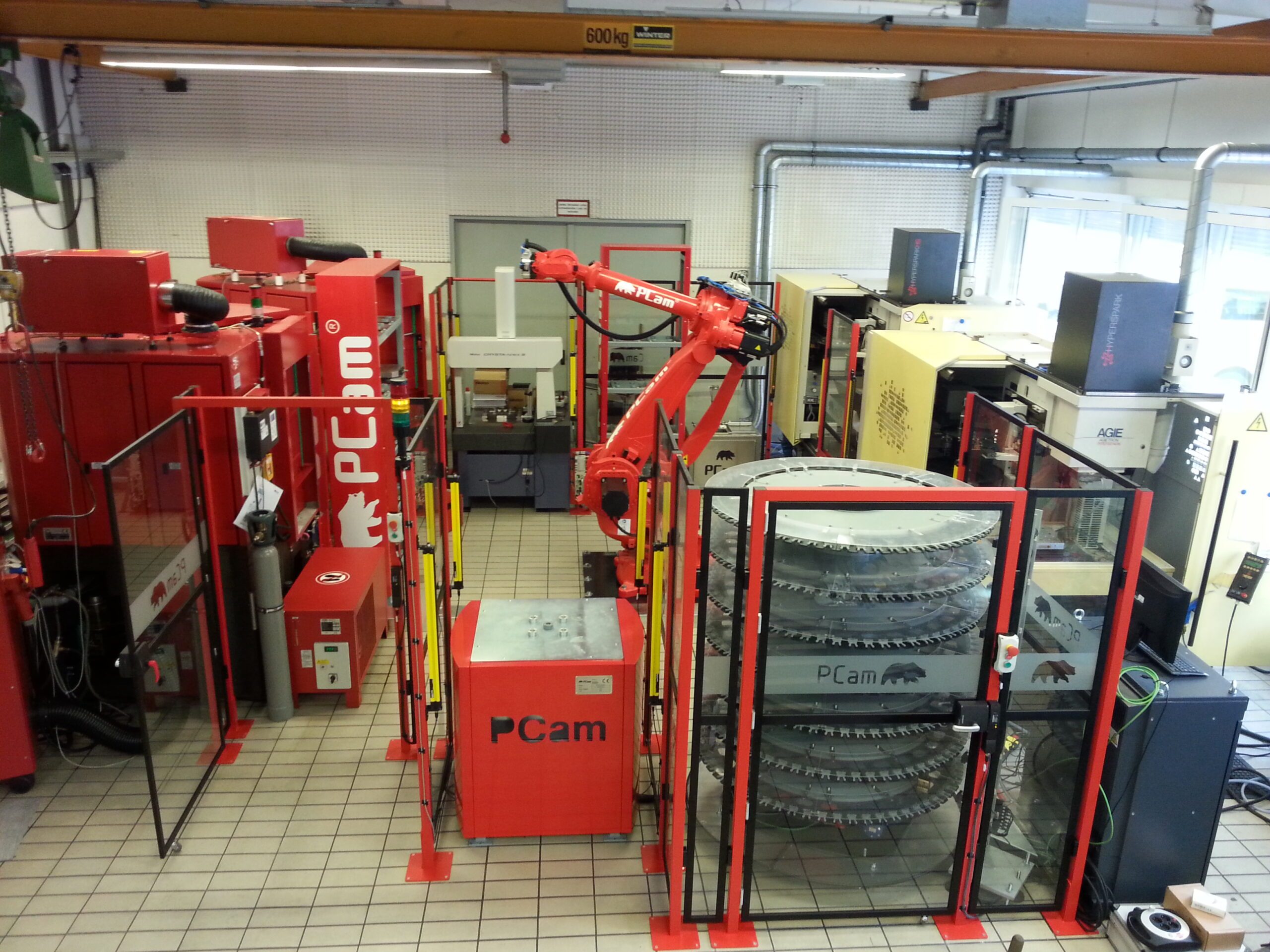
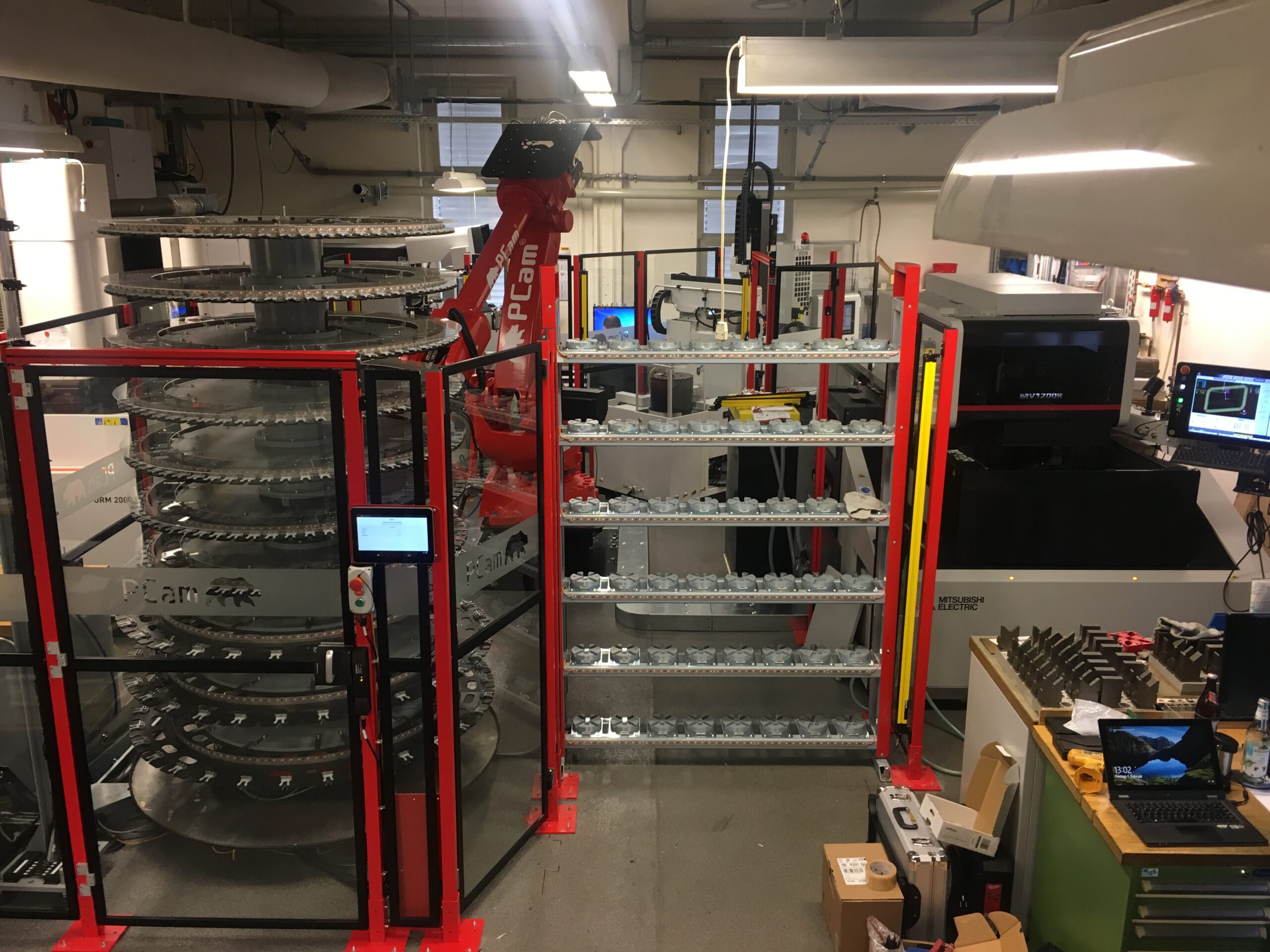
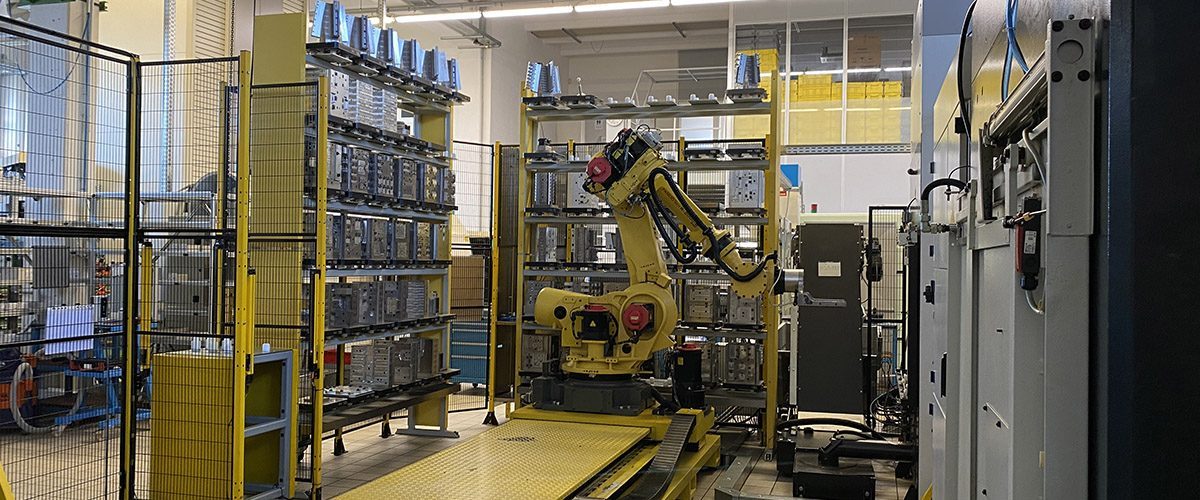
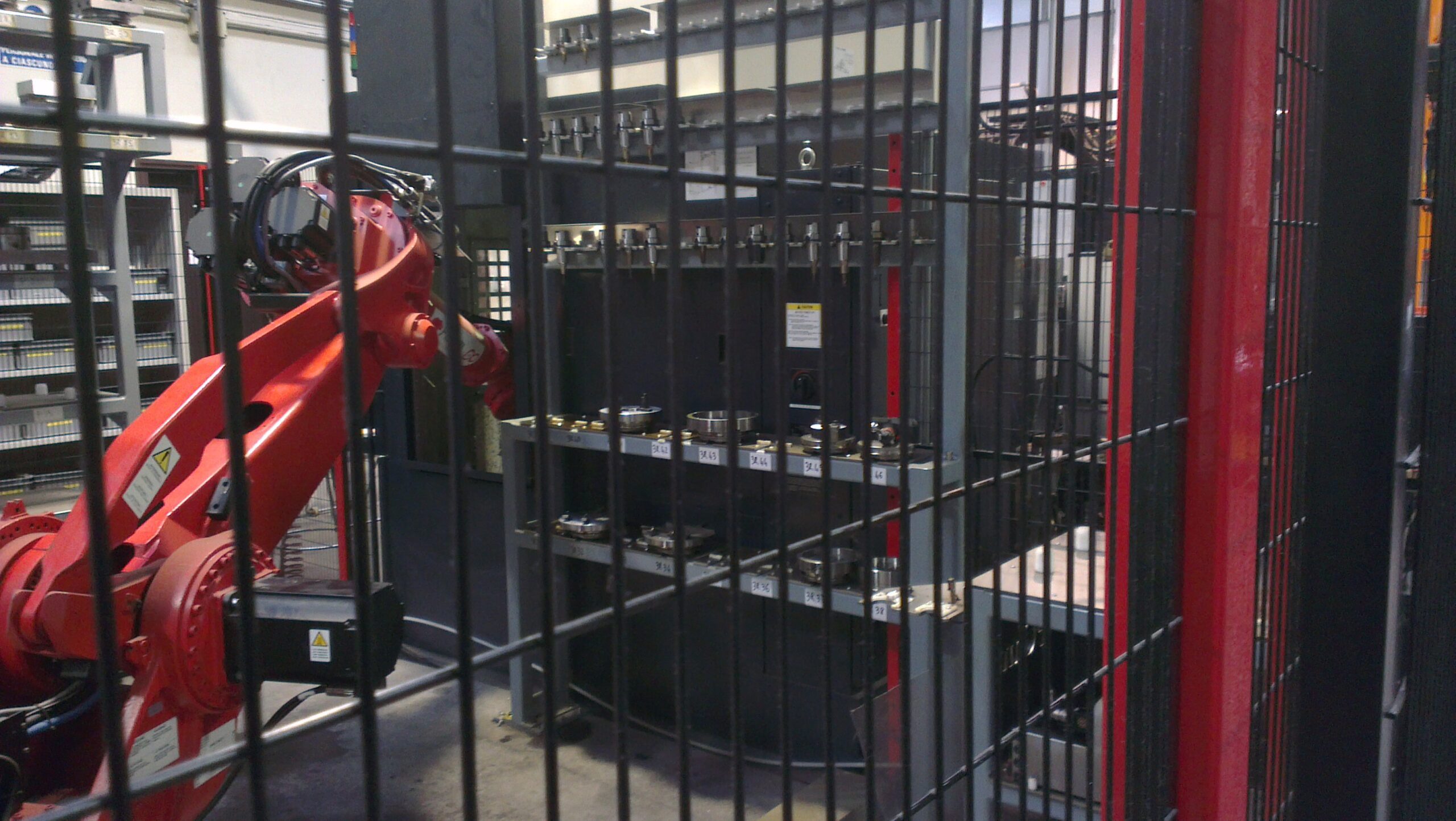
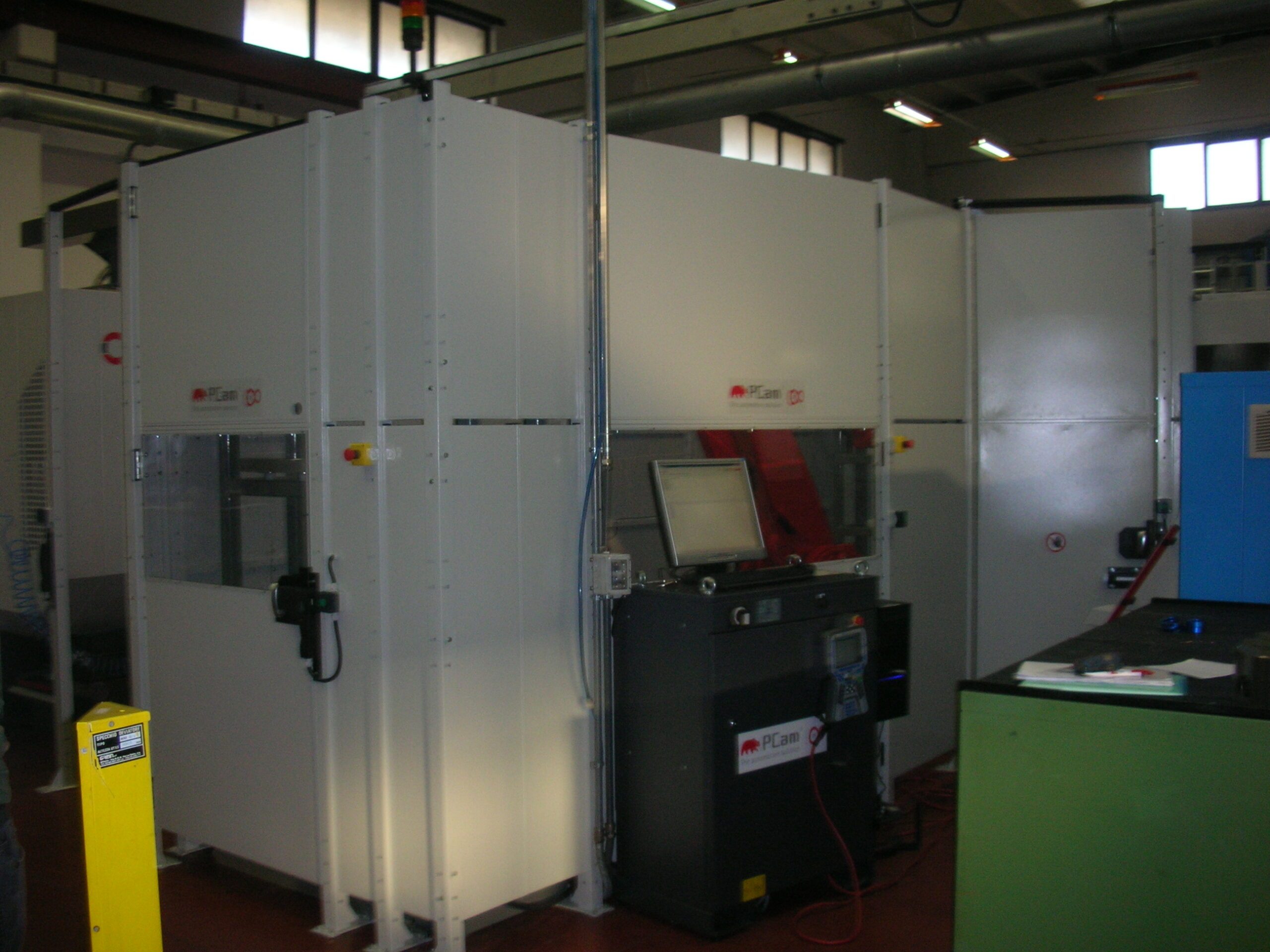
Robots for cell operation
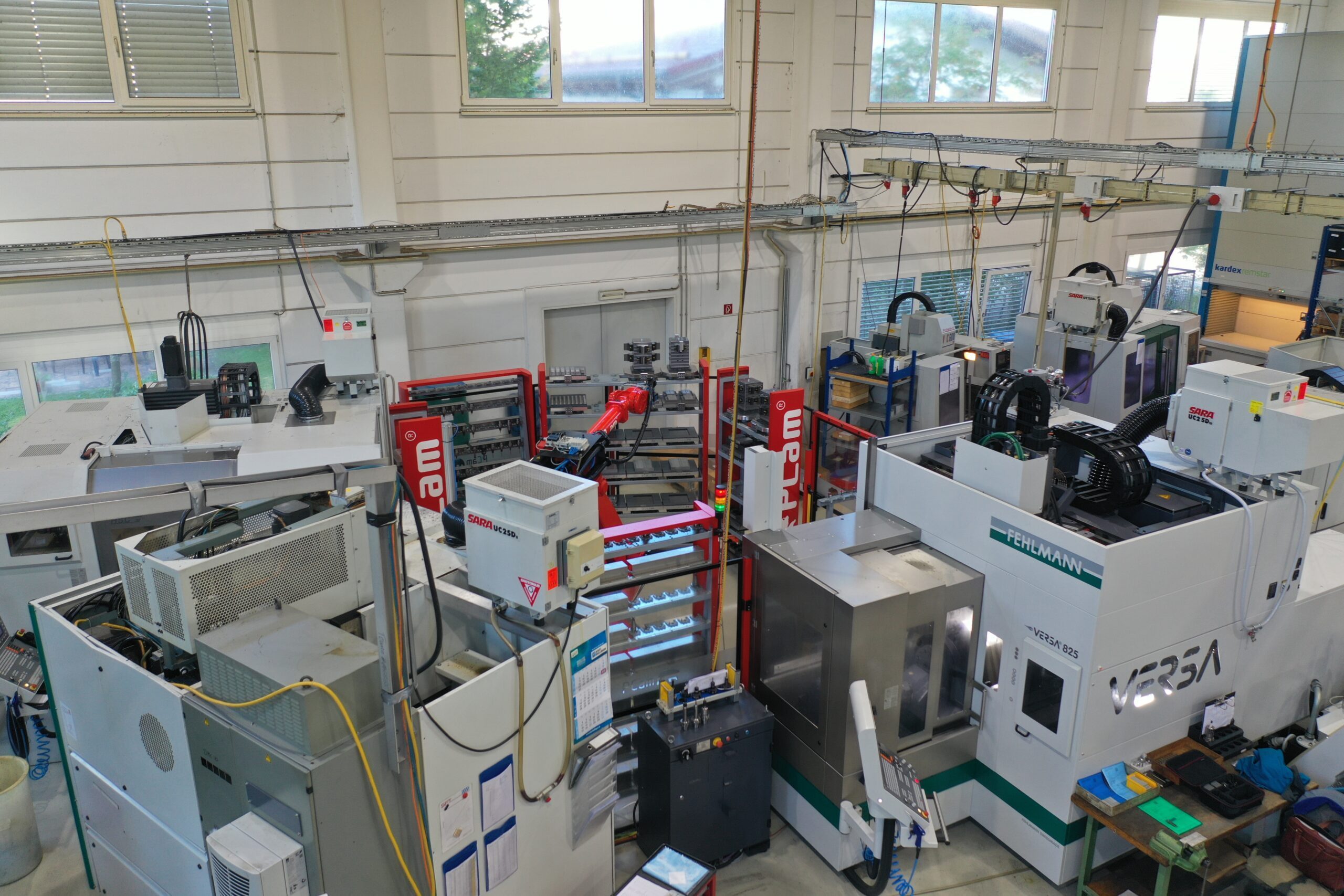
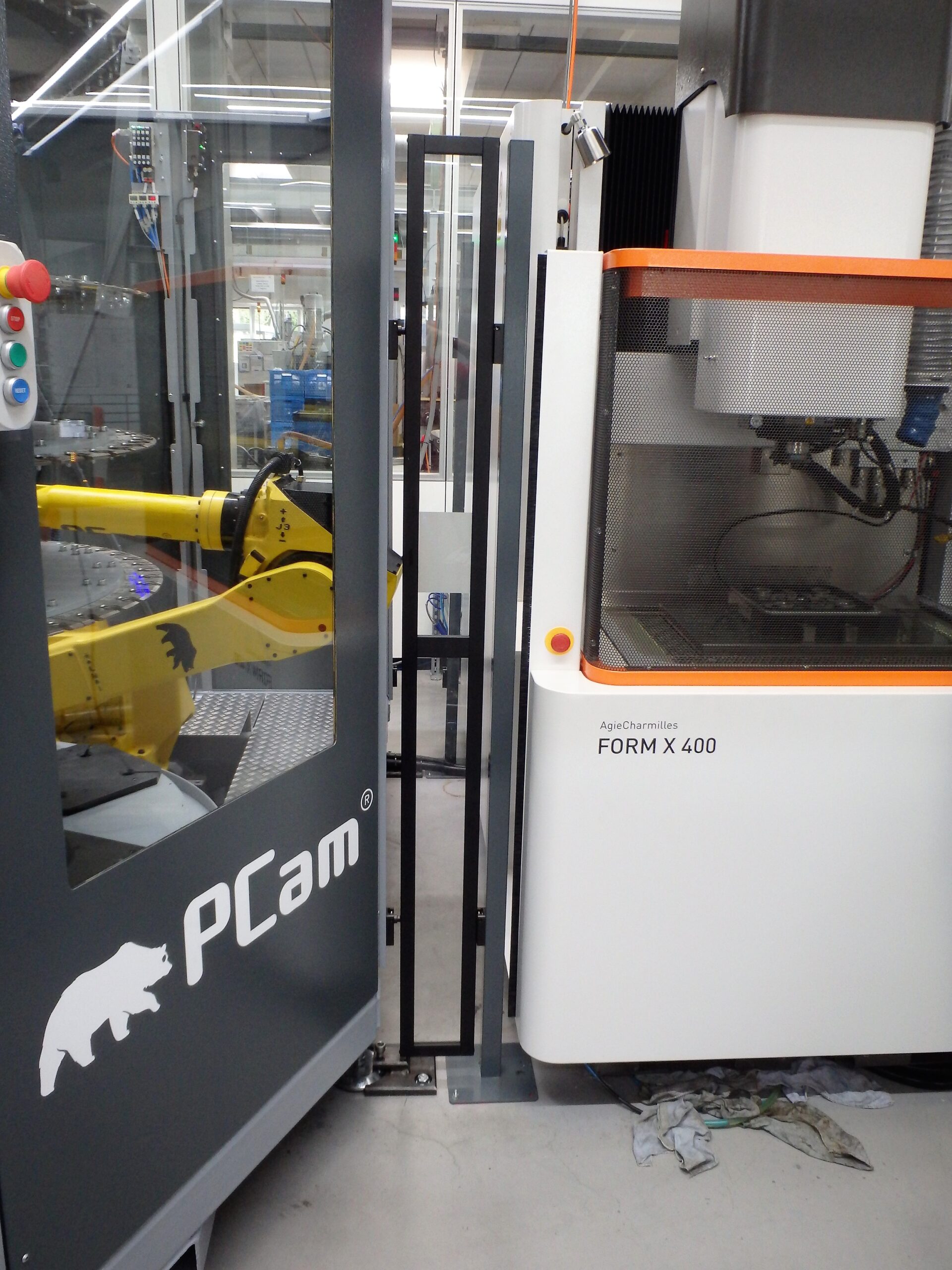
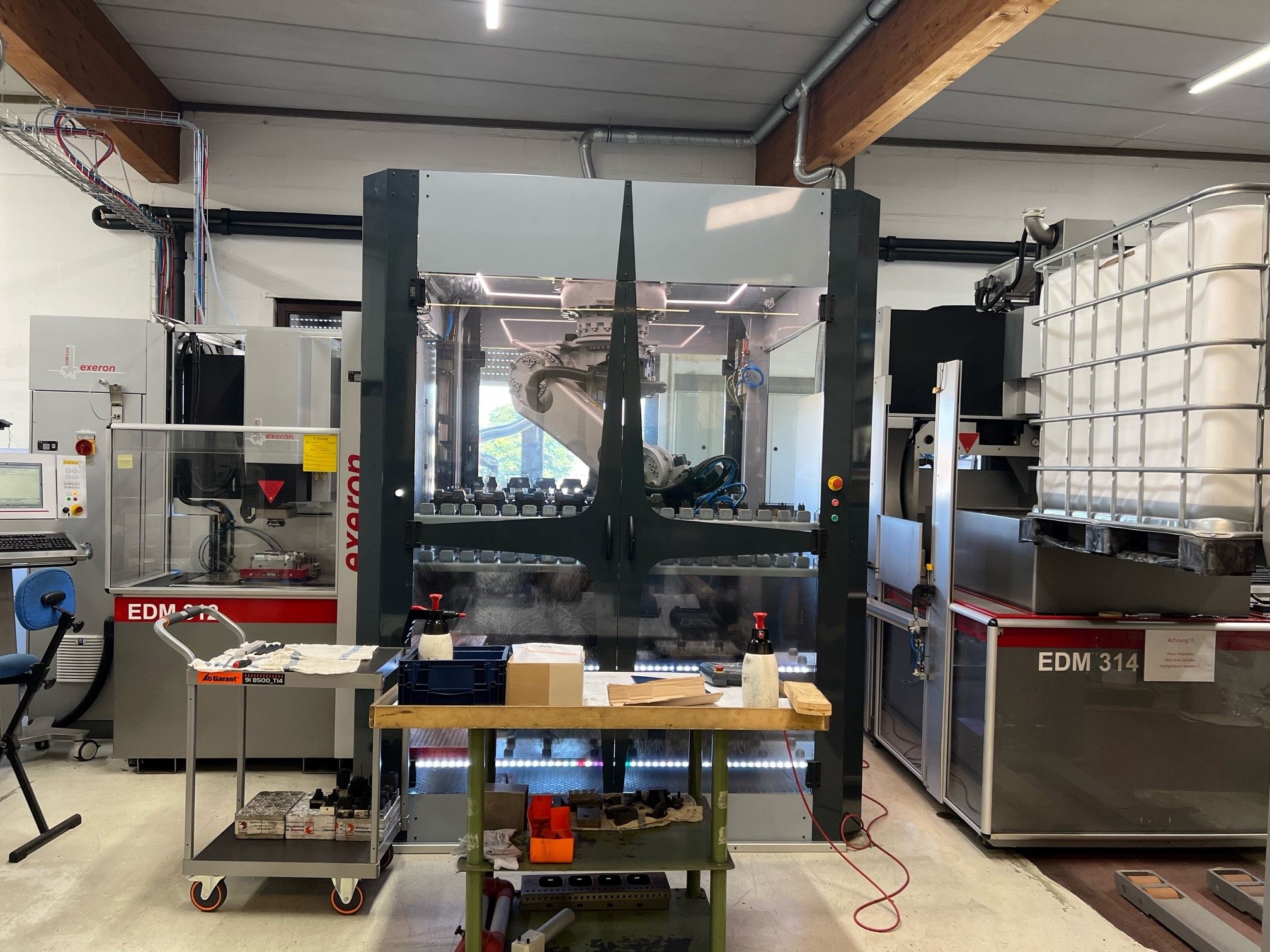
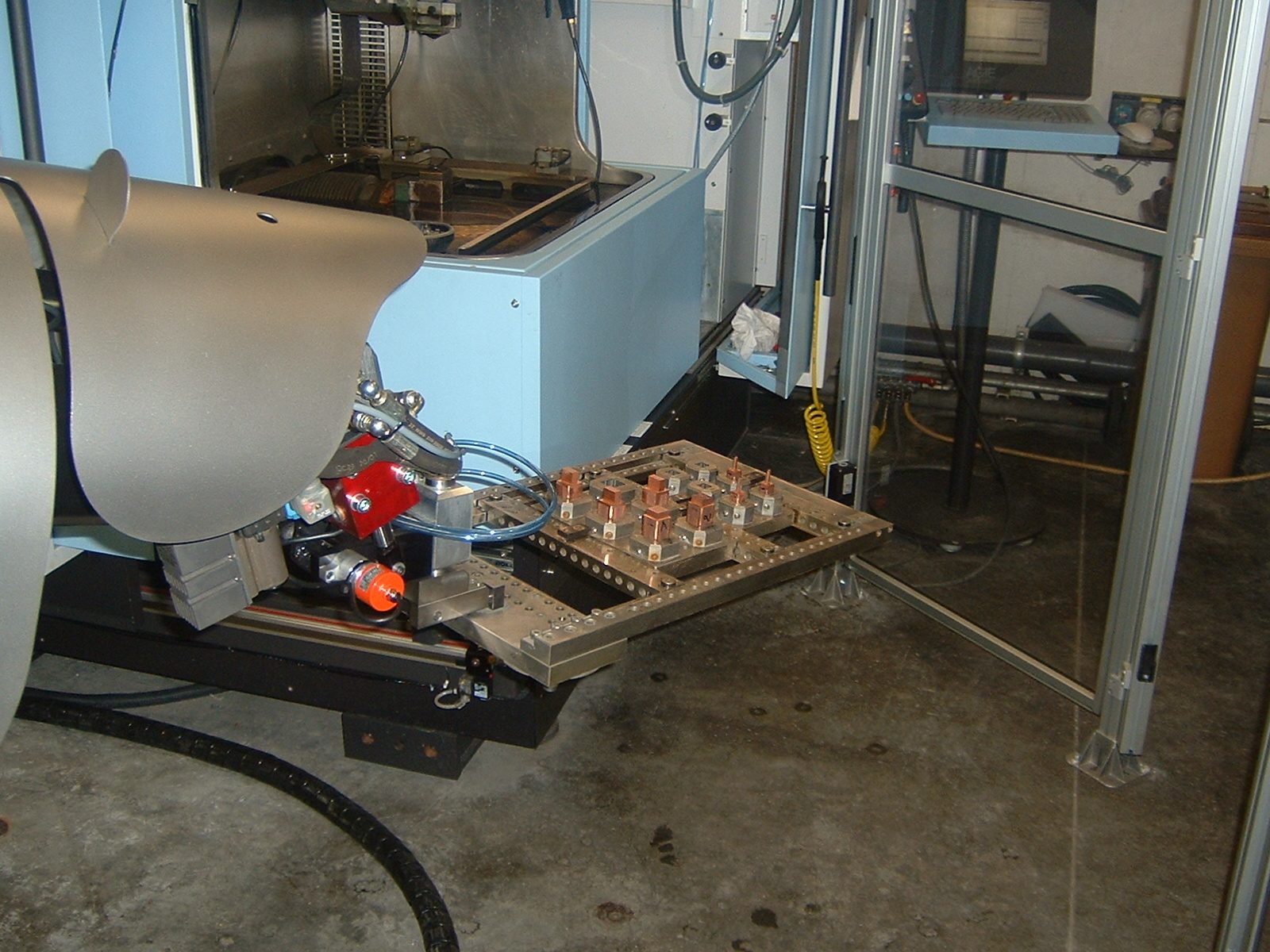
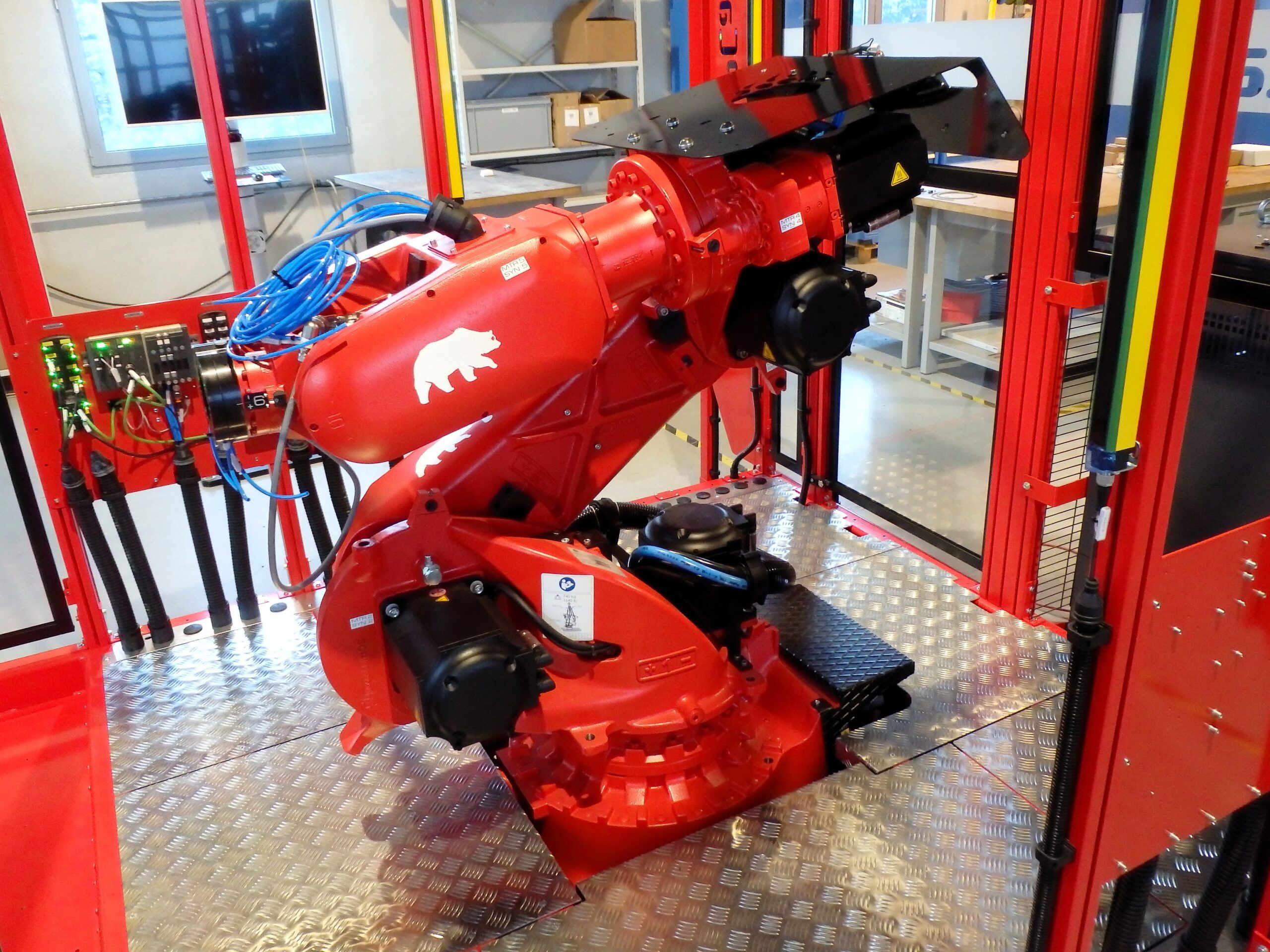
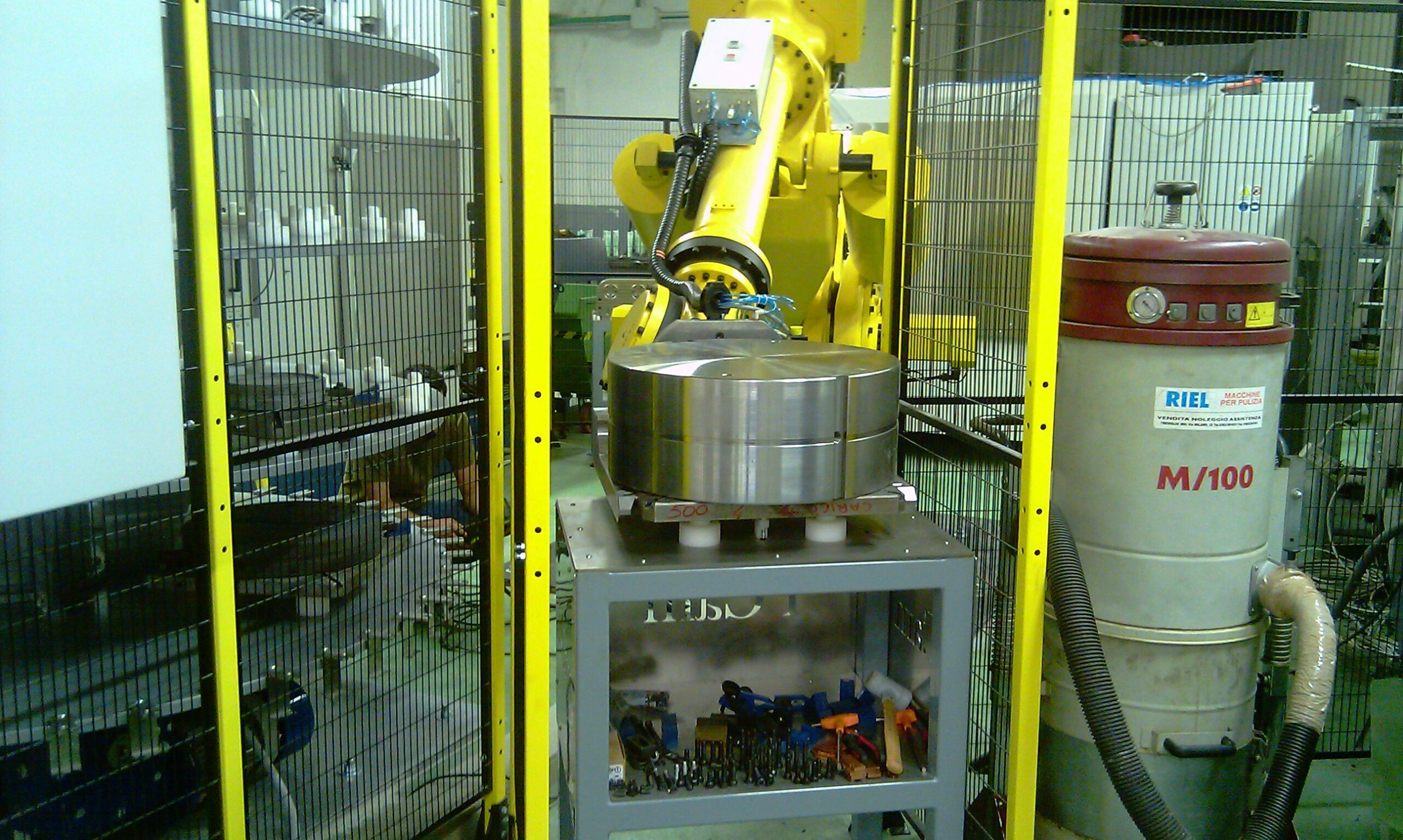
PCam RoboCube, our flexible automation system, was developed to unlock more productive potential with little investment. Discover our industrial automation solutions with PCamFMC and double the flexibility with the twin cells of PCamFMC2. PCamLinear is our dedicated solution for the integrated automation of 4 or more CNC machines, while PCamGantry is the ultimate CNC automation solution.
MES, (Manufacturing Execution System) for the Shop Floor
PCamMES, an intelligent digital manufacturing solution designed to optimize your operations, generate better cost control and traceability, and create optimal scheduling.
CNC machine monitoring system
PCamMonitor is an industry-leading CNC machine monitoring system specifically designed for the precision machining, tooling, injection molding, stamping and extrusion industries. PCamMonitor provides remote and real-time monitoring of the status of each connected CNC machine with email, Skype or SMS notifications of any activity or selected activities.
CAD/CAM/MMS
We also offer innovative and proven CAD/CAM software for wire and sinker EDM, including measuring machine management and automation.
PCam offers the complete one-stop solution for Automation and digitalization for tool and mould maker Industry 4.0
Each of our products is designed to simplify production processes and maximize your production potential. When you choose PCam.com, you are investing not just in a product, but in a future of intelligent manufacturing. Experience the future today with PCam.com, the market leader in automation and software for tool and mold making in the age of Industry 4.0.
Automation and digitalization for Industry 4.0